-
Shop
- Advanced Technologies
- AI Skills
- AI Skills Mastery 2026 Collection
- Bathroom
- Best-Sellers
- Car Accessories
- Car Buying & Ownership
- Confidence
- Dating & Social Skills
- Digital Resources
- Education & Learning
- Family & Parenting
- Fashion
- Alexander McQueen
- Bags
- Bags & Wallets
- Balenciaga
- Belts
- Blazers
- Blouses & Shirts
- Bottega Veneta
- Bottoms
- Brunello Cucinelli
- Burberry
- Chanel
- Chloé
- Clothing
- Dior
- Dolce & Gabbana
- Dresses
- Etro
- Fendi
- Gucci
- Hats & Hair Accessories
- Jacquemus
- Jewelry
- Jil Sander
- Keychains
- Kiton
- Luggage
- Luggage Bags
- Miu Miu
- Off-White
- Outerwear
- Prada
- Rick Owens
- Saint Laurent
- Scarves
- Shoes
- Socks & Tights
- The Row
- Tom Ford
- Valentino
- Valentino Garavani
- Versace
- Vivienne Westwood
- Watches
- Fashion Accessories
- Furniture
- Gadgets
- Health & Beauty
- Health & Wellness
- Home & Garden
- Home Decor
- Home Electronics
- Home Supplies
- Kids & Babies
- Kitchen Best-Sellers
- Lighting
- Patio, Lawn & Garden
- Personal Growth
- Pet Care
- Pet Supplies
- Pets
- Sport & Outdoors
- Super Deals
- Travel
- Travel & Adventure
- Wealth
Mini 1080P Portable Projector: 5G WiFi, BT 5.0
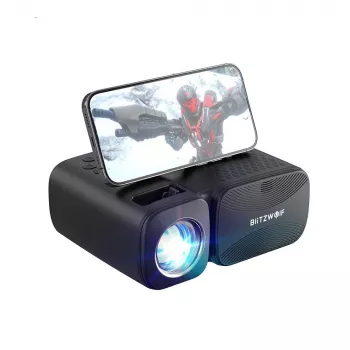
Mini 1080P Portable Projector with 5G WiFi, Bluetooth 5.0 & 250 ANSI Lumens
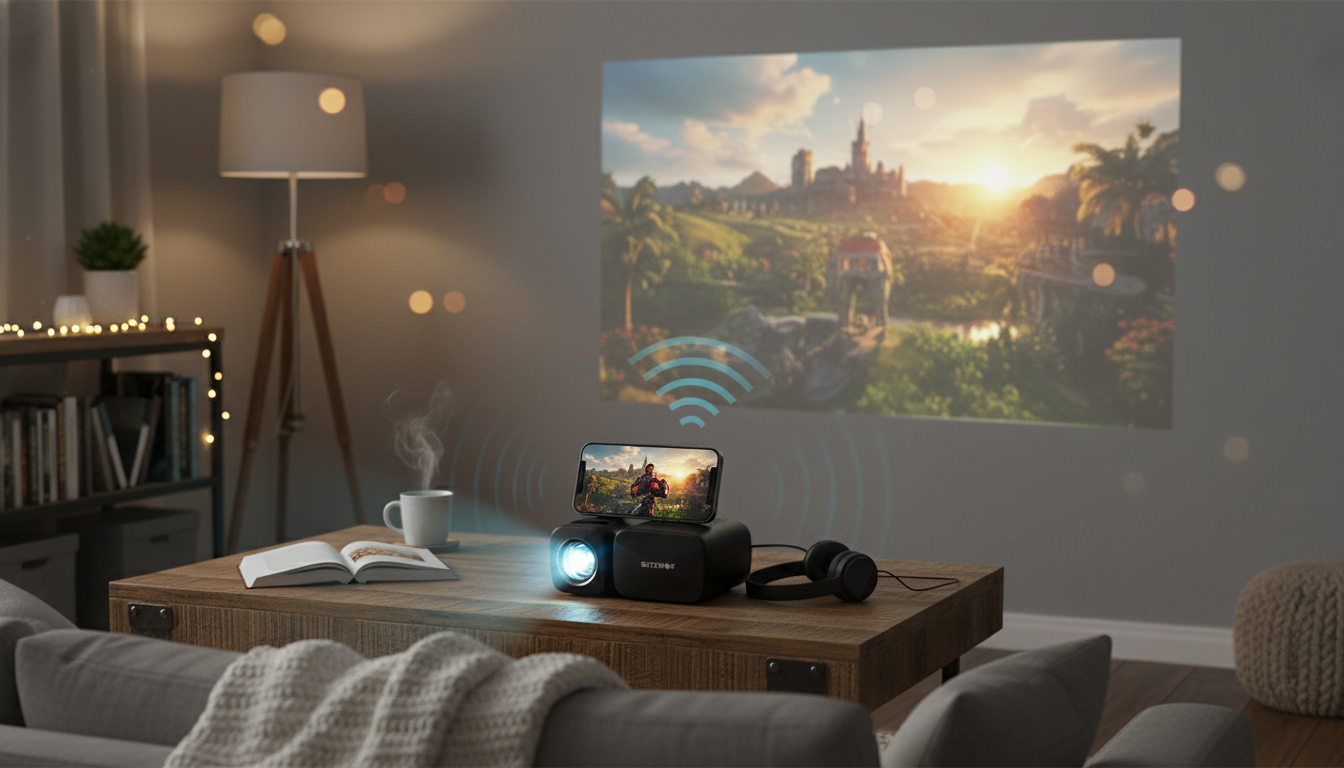
A mini projector can be the difference between squeezing around a laptop and turning any blank wall into a casual “big screen.” The Mini 1080P Portable Projector with 5G WiFi, Bluetooth 5.0 & 250 ANSI Lumens is built for flexible setups—movie nights in the bedroom, a quick slideshow in the living room, or a grab-and-go option for dorms and small apartments. With 5G WiFi support for smoother casting (when your device and network support it), Bluetooth 5.0 for simple audio upgrades, and brightness suited to dim-room viewing, it’s a practical pick for relaxed entertainment without a permanent TV footprint. For more guidance, see HONGTOP Projectors.
At a Glance: What This Mini Projector Is Built For
- Portable form factor for moving between rooms, travel, and temporary setups.
- 1080P support to keep compatible movies, shows, and presentations looking crisp.
- 5G WiFi option to reduce lag and improve stability for wireless casting when supported by your phone/tablet and network.
- Bluetooth 5.0 for pairing with speakers, soundbars, or headphones.
- 250 ANSI lumens that performs best in darker rooms, evening viewing, or controlled lighting.
Setup in Minutes: Placement, Focus, and Screen Size Basics
Getting a clean, comfortable image is mostly about placement. Start with a stable surface—like a solid table or shelf—to prevent tiny vibrations from turning into visible shake. If you use a tripod or stand, make sure it’s rated for the projector’s weight and locks firmly. For further reading, see SCREENMAX Projectors & Screens | Screenmax projector Site.
- Project straight-on: Aim the lens squarely at the wall or screen to keep corners from stretching and to preserve edge sharpness.
- Begin with a smaller image: Smaller sizes look brighter at the same lumen rating, especially helpful with 250 ANSI lumens.
- Choose a neutral surface: A plain, matte white wall or basic screen typically improves contrast and color consistency.
- Mind airflow: Keep vents clear so heat can dissipate during longer sessions.
If the image looks slightly soft, reduce the screen size first, then re-check focus. It’s often the quickest way to get a sharper picture without changing the room.
Wireless and Wired Connections: 5G WiFi, Bluetooth, and Input Options
Wireless convenience is great—until the movie starts buffering at the best part. This is where dual-band WiFi support can help. In many homes, 2.4GHz networks get crowded with smart devices; using 5GHz can reduce interference and improve responsiveness, though the range may be shorter depending on walls and distance.
- 5G WiFi casting tips: Casting usually works best when the projector and phone/tablet are on the same network and the app allows casting. Some streaming services restrict mirroring, so a dedicated streaming device or a direct connection can be more consistent.
- Bluetooth 5.0 audio upgrade: Pairing a speaker or soundbar is an easy way to get fuller dialogue and bass than most built-in projector speakers can deliver. For background listening or late nights, Bluetooth headphones can keep things private.
- When to go wired: For long movies, fast motion, or anything you don’t want interrupted, a direct cable connection is often the most reliable path.
If you notice lip-sync delay over Bluetooth, try lowering processing modes on the speaker/soundbar (like “surround” enhancements), moving the speaker closer, or using a wired audio option if your setup supports it. For more on Bluetooth versions and capabilities, see the Bluetooth Core Specification overview.
Picture Quality: What 1080P Support and 250 ANSI Lumens Mean in Real Rooms
“1080P support” matters most when the content has fine detail—subtitles, menus, text-heavy slides, or higher-quality streams. It helps preserve clarity so faces, edges, and small UI elements look more defined, especially when you’re sitting relatively close.
Brightness Fit Guide (250 ANSI Lumens)
| Room lighting | Recommended image size | Typical use |
|---|---|---|
| Dark room (night, curtains closed) | Medium to large | Movies, streaming, gaming (casual) |
| Dim room (small lamp on) | Small to medium | TV shows, presentations with larger text |
| Bright room (daylight) | Small | Quick demos; best results with heavy light control |
For a deeper explanation of what lumens mean in everyday viewing, ProjectorCentral’s guide to projector brightness is a helpful reference.
Sound: When Built-In Audio Is Enough (and When to Add a Speaker)
Where It Fits Best: Everyday Scenarios
- Bedroom movie nights: Keep the image moderate for better brightness. A stable bedside surface can help—pairing it with a clean setup like the Modern Wooden Nightstand with Golden Design can make quick positioning and cable management easier.
- Dorms and small apartments: A projector is easy to store and doesn’t dominate the room the way a large TV can.
- Backyard evenings: Best after sunset. Use a screen if possible and avoid direct outdoor lights hitting the projection area.
- Travel and gatherings: Useful for slideshows, shared photo/video viewing, and casual streaming wherever there’s a blank wall.
- Cozy comfort viewing: If your setup is all about winding down, adding a warming accessory like the USB Electric Heating Belt with Hand Pockets for Menstrual & Body Pain Relief can make movie nights more relaxing without changing the tech setup.
Practical Tips: Getting a Sharper, More Comfortable Image
Specs Snapshot and What to Check Before Ordering
FAQ
Is 250 ANSI lumens bright enough for daytime viewing?
It’s generally best for dim or dark rooms. Daylight and overhead lighting can wash out the image; keeping the picture smaller and controlling light helps the most.
Can it connect to a phone wirelessly?
Wireless casting can work via 5G WiFi when the phone and projector are compatible and on the same network. Some streaming apps may limit mirroring; a wired connection or streaming device can be more consistent.
Can Bluetooth be used for better sound?
Yes—Bluetooth 5.0 can pair with speakers, soundbars, or headphones. If lip-sync issues occur, try a wired audio option (if available) or adjust speaker settings.
Recommended for you


Was this article helpful?
Yes
No








Leave a comment